
Cloud storage has indeed transformed how we manage and access data, enabling us to store, retrieve, and share files from virtually anywhere with an internet connection. Businesses leverage cloud storage to streamline operations, while individuals rely on it to safeguard personal memories and important documents.
Consequently, like many technological advancements, cloud storage has its risks. Cybersecurity threats such as data breaches, unauthorized access, and information loss loom large. By addressing common concerns, sharing relatable examples, and offering practical tips, we aim to empower you to keep your data safe while enjoying the benefits of cloud technology.
Why Cloud Security Matters
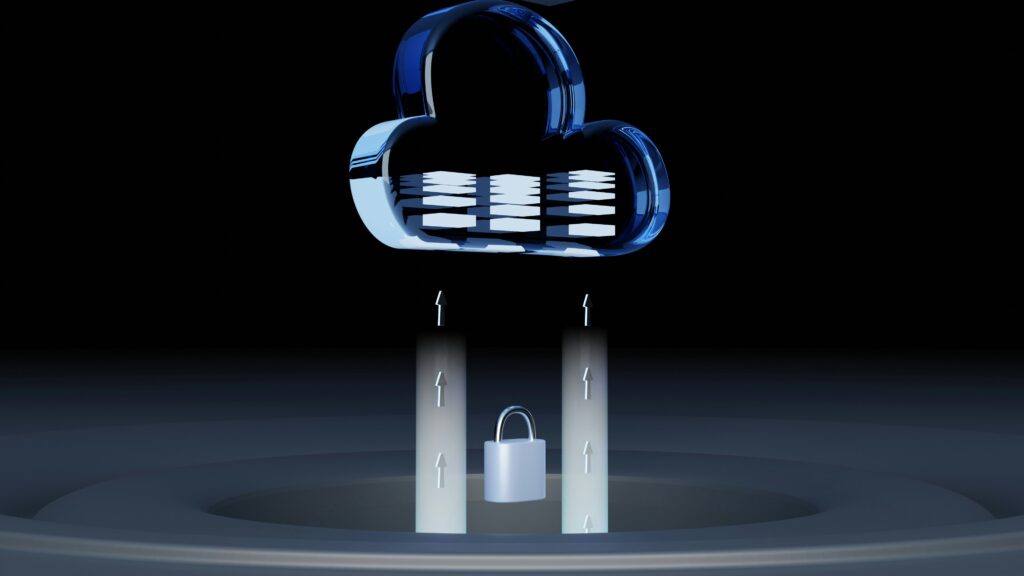
Imagine you’ve stored important business contracts, personal tax documents, or cherished family photos in the cloud. One day, you wake up to discover that this information has been accessed without your permission or, worse, deleted. The emotional and financial toll of such incidents is profound, making cloud security not just a technical issue but a deeply personal one.
Imagine you’ve stored important business contracts, personal tax documents, or cherished family photos in the cloud. One day, you wake up to discover that this information has been accessed without your permission or, worse, deleted. The emotional and financial toll of such incidents is profound, making cloud security not just a technical issue but a deeply personal one.
The Risks of Cloud Storage
Before exploring solutions, let’s take a closer look at the most common risks associated with cloud storage:
- Data Breaches: Unauthorized access to sensitive data can occur due to weak passwords, insider threats, or sophisticated hacking techniques. Once compromised, this information can be sold on the dark web or used to harm individuals and organizations.
- Data Loss: Accidents happen. Files can be mistakenly deleted or corrupted during a system error. Without a reliable backup system, recovering lost data may be impossible.
- Data Tampering: Altering the contents of files can have serious repercussions. Imagine a financial report being manipulated to mislead stakeholders or a legal document being altered without your consent.
- Denial of Service (DoS) Attacks: In a DoS attack, malicious actors flood a cloud storage provider’s servers with traffic, rendering your data inaccessible. For businesses, this can lead to downtime and loss of revenue.
Storytime: Recent Cloud Security Breaches
- 2024 Microsoft Data Breach: In a significant data breach, Microsoft’s cloud storage service was compromised, affecting numerous high-profile organizations, including airports, financial institutions, educational institutions, and healthcare providers. The breach highlighted the importance of robust cloud security measures.
- Nigerian Data Breaches: Nigeria has also experienced its share of data breaches. For example, in 2020, the Nigerian National Identity Management Commission (NIMC) suffered a data breach, exposing the personal data of millions of Nigerians. Another notable breach occurred in 2022, when the Nigerian Ports Authority (NPA) was hacked, resulting in the theft of sensitive data.
How To Protect Your Data In The Cloud
- Choose a reputable cloud storage provider: When selecting a cloud storage provider, look for one that has a strong track record of security and compliance. Some popular cloud storage providers that prioritize security include: Google Drive, Microsoft OneDrive, and Amazon.
- Use Strong Passwords and Enable Two-Factor Authentication: A strong password is your first line of defence. Use a password manager like LastPass or 1Password to generate and store complex, unique passwords for each account. Enabling 2FA adds an extra layer of security. This feature requires a secondary verification step, such as entering a code sent to your phone or email, making it harder for unauthorized users to access your account.
- Encrypt your data: Encrypting your data can help protect it from unauthorized access. Look for cloud storage providers that offer encryption features. For an additional layer of protection, consider third-party encryption tools like Boxcryptor or Cryptomator.
- Use access controls: Access controls can help limit who can access your data in the cloud. Look for cloud storage providers that offer access control features, such as: Role-Based Access Control (RBAC) and File-Level Access Control.
- Monitor your account activity: Monitoring your account activity can help you detect and respond to potential security incidents. Look for cloud storage providers that offer account activity monitoring.
- Use a cloud security gateway: A cloud security gateway can help protect your data in the cloud by providing an additional layer of security. Look for cloud security gateways that offer features such as encryption and access controls.
- Regularly back-up your data: Regularly backing up your data can help ensure that it’s available and recoverable in the event of a security incident or data loss. Look for cloud storage providers that offer automatic backup features, such as: versioning and snapshots.
- Use a secure internet connection: Avoid accessing your cloud storage over public Wi-Fi networks, which are vulnerable to eavesdropping. If you must use public Wi-Fi, protect your connection with a Virtual Private Network (VPN).
- Keep your software up to date: Outdated software can have vulnerabilities that hackers exploit. Keeping your software up to date can help ensure that you have the latest security patches and features. Make sure to regularly update your operating system, browser, and other software.
- Use two-factor authentication for all accounts: Using two-factor authentication (2FA) can help add an extra layer of security to all of your accounts. Consider using a 2FA app like Authy, Microsoft Authenticator or Google Authenticator.
Cloud Storage Security Tools For Everyone
- Cloud Security Gateways: Netskope and Skyhigh Networks
- Encryption Tools: Boxcryptor and Cryptomator
- Access Control Tools: Okta and OneLogin
- Backup and Recovery Tools: Backblaze and CrashPlan
Cloud security isn’t a one-way street. Providers can only implement safeguards to protect their infrastructure, but users must also take responsibility for securing their data. Think of it as a partnership: both parties must work together to ensure robust security.
By working together, we can ensure that cloud storage remains a secure and reliable option for storing and managing sensitive data.
