Cyberattacks are becoming more sophisticated with the rise of the digital age, leading to more targeted and frequent breaches. From individuals to large organizations, everyone is a potential target – no one is safe. Staying ahead of cyberattacks requires not only understanding about existing cyber threats but also implementing effective measures to protect and secure important data and information from intruders. This article will simplify what cyberattack means to you, help you explore the types and sources of cyberattacks, highlight measures for staying safe, and discuss growing challenges and trends in cybersecurity.
What is a Cyberattack?
In its basic definition, a cyberattack is generally an attempt by malicious individuals or groups to gain unauthorized access to computers, networks, or data. These kinds of attacks often aim at stealing, disrupting, or destroying information or leveraging it for financial or political gain.
Types of Cyberattacks
Cyberattacks come in many flavors and faces, with different methods and intentions. Here are the common types:
Phising
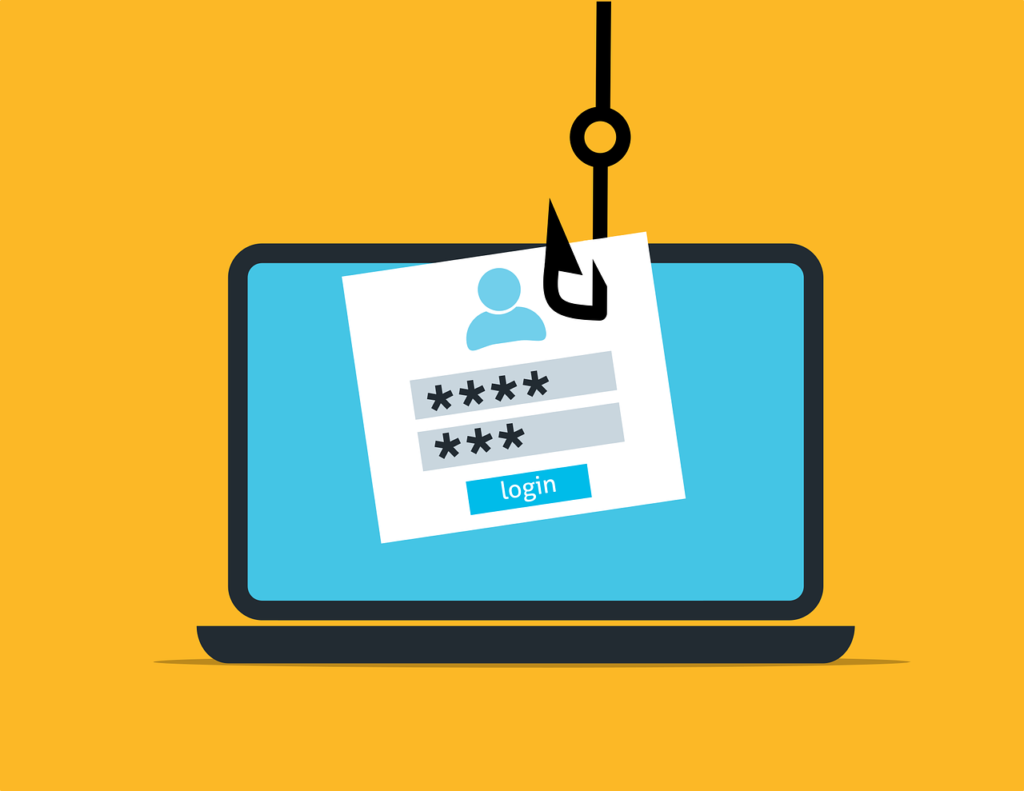
This attack is one of the common cyberattacks in which phishing attacks, attackers impersonate any credible entity through emails, messages, or websites and influence people to reveal sensitive passwords or credit card details, etc. Usually, these attacks involve psychological means, social engineering, whereby conditions for urgency or fear are attached to prompt victims into precipitating actions such as clicking malicious links or downloading harmful attachments.
Common Types of Phishing Attacks
- Email Phishing: The most common method in which an attacker sends thousands of emails that are originally from seemingly legitimate sources, containing links to fake web pages designed to capture user credentials.
- Spear Phishing: A targeted attack at specific individuals or organizations utilizing personalized information to gain credibility. This method poses a great danger since it is addressed to high-level executives.
- Whaling: A form of spear phishing targeted at high-profile targets, such as the CEO or CFO, by using their authority to gain access to sensitive information from employees.
- Smishing and Vishing: These are phishing methods via SMS (smishing) or voice calls (vishing), in which the attackers deceive victims into revealing personal information either over the phone or via text messages.
- Clone Phishing: Entails the almost exact reproduction of an already sent legitimate email from a trusted organization but this time with malicious links.
Instances of some phishing attacks
- The Google and Facebook Phishing Attack
A Lithuanian scammer defrauded Google and Facebook of $100 million between 2013 and 2015 by sending fake invoices that appeared to be legitimate requests from a Taiwanese supplier, Quanta. The fraud was discovered, arrests were made, but only $49.7 million was recovered.
2. Elara Caring Incident
In 2020, healthcare provider Elara Caring became the target of a phishing attack where the personal data of over 100,000 patients was compromised. The attackers accessed employee email accounts through phishing tactics targeting two employees.
3. Levitas Capital Whaling Attack
This was a whaling attack in 2020 which involved the co-founder of Levitas Capital through a fraudulent zoom link. The incident turned into malware deployment on the corporate network and the appearance of fraudulent invoices for approximately $8.7m.
Malware
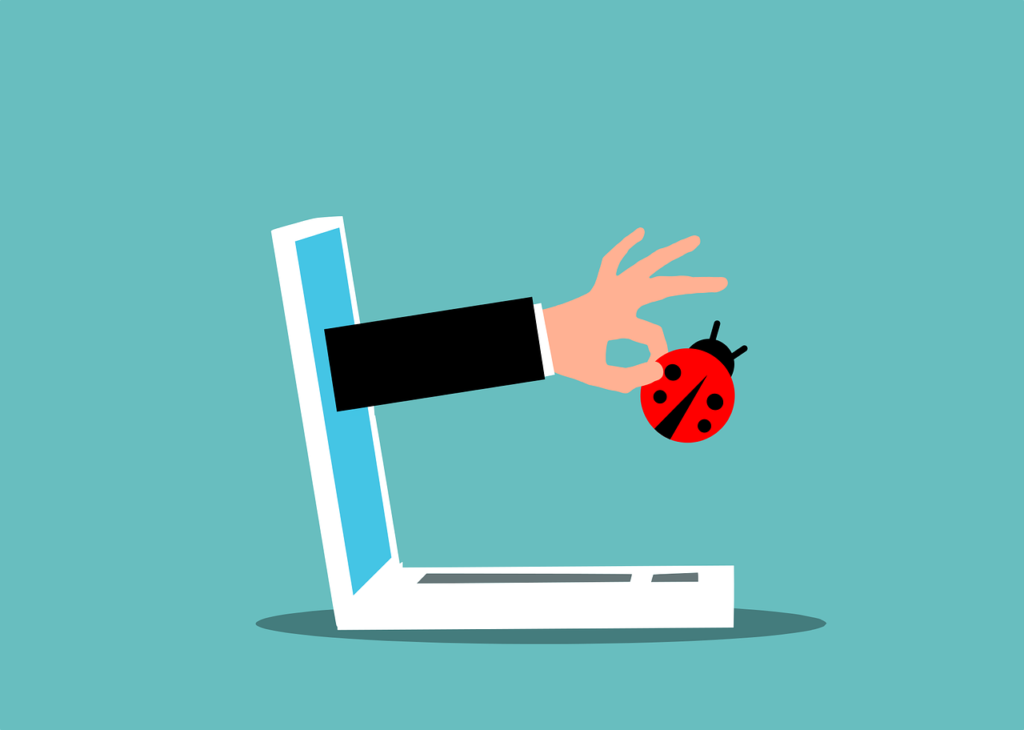
Malware refers to a wide range of malignant software programs that are written to infect and destroy systems. The common types are:
- Viruses: Malicious code attached to clean files that spread to a computer system.
- Ransomware: A kind of malware that encrypts the files on the victim’s device and demands payment for the decryption keys.
- Spyware: Software used to secretly observe user activity and gather personal information without consent.
Phishing attacks are often the initial vector for malware distribution, with many ransomware incidents starting from phishing emails.
An instance of this kind of attack is the ransomware attack against the Colonial Pipeline in May 2021 which disrupted fuel supply across the U.S. East Coast for nearly a week. The attack vector had been linked to phishing emails that gave the DarkSide gang an entrance into the company’s systems, which eventually made the company pay a ransom of $4.4 million1.
Denial of Service (DoS) and Distributed Denial of Service (DDoS)
The intent of Denial of Service attacks is to make the network or server unavailable for the authorized users by overwhelming it with traffic. This is augmented in DDoS to involve hundreds of compromised systems or ‘botnets’ to literally flood the target with requests, with which the defenses may hardly cope. A notable DDoS attack occurred in October 2016 against Dyn, a major DNS provider, which disrupted services for many high-profile websites like Twitter and Netflix for several hours.
Man-in-the-Middle and Insider Attacks
In Man-in-the-Middle (MitM) attacks, cyber criminals intercept communications between two parties to steal data or inject malicious content. Insider attack: When employees or contractors misuse their access rights to harm the organization or steal sensitive information. An example is the ransomware attack the City of Atlanta suffered in March 2018 initiated through spear phishing emails sent from compromised accounts of trusted contacts within the city government.
Social Engineering and Credential Stuffing
Social engineering is a method of tricking people into revealing confidential information by gaining their confidence. Credential stuffing refers to when an attacker uses stolen credentials from one breach to access accounts on other platforms where users have reused passwords. This technique leverages the common user behavior of password reuse, thus simplifying the process for the attacker to gain unauthorized access. In 2016, attackers exploited stolen credentials from previous breaches to access accounts at various online services, leading to widespread unauthorized access incidents across multiple platforms.
Zero-Day Exploits
Zero-day exploits involve those vulnerabilities in software that the developers are unaware of at the time the attack occurs. These exploits tend to be exceptionally effective because they can be utilized at a time before patches become available, which leaves the systems vulnerable until they get updated. The 2017 Equifax data breach was partly attributed to an unpatched vulnerability in Apache Struts software, which attackers exploited before Equifax could deploy a fix.
Advanced Persistent Threats (APTs)
APTs are long-term targeted attacks where hackers infiltrate networks and remain undetected for extended periods. Their goal is usually data theft or surveillance of operations over time, making them particularly dangerous for organizations that handle sensitive information. The infamous APT group APT28 (Fancy Bear) has been linked to numerous high-profile cyber espionage campaigns targeting government entities and organizations around the world, including the Democratic National Committee during the 2016 U.S. presidential election.
What Motivates Cyberattacks?
Motivations behind cyberattacks vary and may include one or many of the following:
- Financial Benefits: Most the attackers seek ransom through ransomware, phishing, or even selling stolen data on the dark web.
- Revenge/Personal Vendetta: Disgruntled employees, ex-partners, or competitors target organizations or people.
- Hacktivism: Attacks for political, social, or ideological motives to bring attention to a cause or disrupt an adversary.
- Terrorism: Cyberterrorists disrupt critical infrastructure-such as energy grids, transportation systems, or healthcare services-to instill fear in a population.
- Thrill-Seeking or Fame: Some attackers seek the challenge or notoriety associated with a successful breach of a high-profile system.
- Market Manipulation: Businesses or markets are targeted by hackers to manipulate stock prices, cryptocurrencies, or commodities for financial gain.
- Corporate Sabotage: Competitors may wish to attack any given rival business for the purpose of damaging its reputation, disrupting operations, or attracting some of its clients.
- Political Influence: These are usually employed to influence the outcome of an election, manipulate public opinion, or bring instability to governments.
How to Stay Ahead of Cyber-attacks
The nature of the threat means that the best way to protect oneself or one’s organization against it is through proactive measures. Some such key measures include:
- Be security conscious: Use strong passwords by creating unique, complex passwords and change regularly. Also add another layer of security to your accounts by enabling Two-Factor Authentication (2FA), Encrypt data so that only authorized parties can read it. From email encryption, encryption of data in transit, or encryption of data at rest, it ensures that even if attackers intercept your data, they can’t understand or misuse the data without the encryption keys.
- Put early warning systems in place: Put in place mechanisms that can monitor for potential threats in real time and send an alert.
- Back-up data and update software regularly: Perform regular backups that will let you recover your information in case of an attack. Install updates and patches that will close vulnerabilities in your systems. Ensure that any new software and systems are thoroughly tested in isolated environments to avoid vulnerabilities before going live (this is called Cleanroom testing).
- Train and educate: Educate yourself and your team regularly about state-of-the-art threats and security best practices. Provide training and awareness on being very cautious before trying to click on suspicious links or attachments that come from unknown sources.
- Continuous Vulnerability Assessments: Regularly scan and identify weaknesses in your infrastructure to address them promptly. Simulate cyberattacks to evaluate the effectiveness of your defenses and uncover potential vulnerabilities.
- Security conferences and newsletters: Participate in security webinars, conferences to gain an invaluable opportunity to learn from experts and peers about emerging threats, trends, and best practices. Common security newsletters are also good sources of information to help you stay informed about current and future threats.
- Lead with intelligence and creativity: Utilize advanced analytics along with innovative methods to identify and neutralize emerging malicious activities. Embrace a security model wherein no one is trusted by default, and everybody’s request to access should be authenticated.
- Be prepared to defend your fort: Incident response plans should be kept maintained and your team prepared to take immediate action upon threat detection.
- “Shine your eye”: This is a security slang from Nigeria, that talks about knowing what to do to avoid danger, this can be applied to cyberattacks too, as one can ensure that there is knowledge of the current tools and ways attackers use to steal data and infiltrate systems.
- Context-aware security: Context-aware security adjusts its level of protection according to the situational or environmental context where access is being requested. If a user logs in from an unrecognized location or device, for instance, the system may prompt further verification or block the access. This ensures that only authorized users interface with sensitive systems, further reducing breach chances.
- Behavioral analytics tools: These solutions monitor and analyze user behavior to identify unusual activities that could signal a security threat. For instance, if an employee suddenly starts to download unusually large volumes of sensitive data or accesses systems that they do not normally use, then the tool can flag this behavior for investigation. Behavioral analytics are a critical layer of defense against insider threats and advanced persistent attacks.
Challenges and Trends To Keep Tabs On
Technology, and its development, means the continuously changing landscape of cybersecurity attacks also. To counter the probable risks, every organization needs to be on their toes and gain as much information as possible on upcoming challenges and trends that influence cybersecurity. The following areas present important concerns driving the direction in the field of cybersecurity today.
- A.I Driven Attacks: AI is being weaponized increasingly by cybercriminals to make their attacks more sophisticated and effective. Hackers utilize deepfake technology to create fake but realistic audio and video contents, which, in turn, mislead their targets into revealing sensitive information or executing unauthorized transactions. One instance of the CEO scam happened when the attacker was mimicking a CEO’s voice asking employees for wire transfers. With AI tools generating highly personalized phishing emails resembling human communications in both style and content, they become a lot more plausible, often replete with riveting storytelling and urgent requests for action-compelling events that might easily persuade the gullible beyond ordinary phishing. AI-powered malware can change its behavior to avoid detection by traditional security measures. The ability of malware to adapt to new situations makes it difficult for organizations to detect and neutralize threats effectively.
- IoT and Smart Device Vulnerabilities: The increasing use of Internet of Things (IoT) devices and modern connected-vehicle technology makes more vehicles smarter, but it opens greater avenues for security exploitations and cyber-attacks. Most IoT devices are designed with either very poor default passwords or no regular software updates, thus being highly vulnerable for any kind of exploitation. Attackers compromise such devices to create botnets for launching DDoS attacks or to steal sensitive data. Cyber criminals might use vulnerability in vehicle software to take control over the vehicles unauthorized. Connected vehicles may be tracking several information sets which can become a victim of theft and misuse.
- Cyber-Physical System Attacks: Cyber-physical systems, incorporating physical processes with networked computing, are increasingly targeted by cybercriminals. Examples include everything from critical infrastructure like power grids, transportation systems, and autonomous vehicles.
- Human Error and Third-Party Risks: Poor training and awareness result in employees sometimes doing silly things, like clicking on a phishing link or mishandling information. The Solar Winds breach is an example of attackers breaching a trusted third-party vendor to gain entry into several organizations at the same time.
- Scarcity of Qualified Professionals in Cybersecurity: The increasing demand for cybersecurity has developed a serious gap in skilled professionals within the industry. Organizations struggle to find qualified personnel who can defend against these increasingly sophisticated attacks.
Cybersecurity is an ever-evolving field-one that requires watching out, preparing for, and adapting to constantly changing elements. By understanding cyberattacks, staying up-to-date on the latest trends, and putting in place some tough security, you can make yourself and your organization resilient in the face of potential compromise. Remember, the best defense is a proactive one-stay sharp, stay informed, and stay secure.